Fit before brand
A product is only recommended when it solves a specific setup constraint: screen height, desk depth, cable routing, lighting, input comfort, or chair-to-desk mismatch.
Set separate desk and chair limits plus a total accessory budget, choose the workspace problem that bothers you most, and compare up to three researched Amazon picks in each recommended category.
Your recommended setup
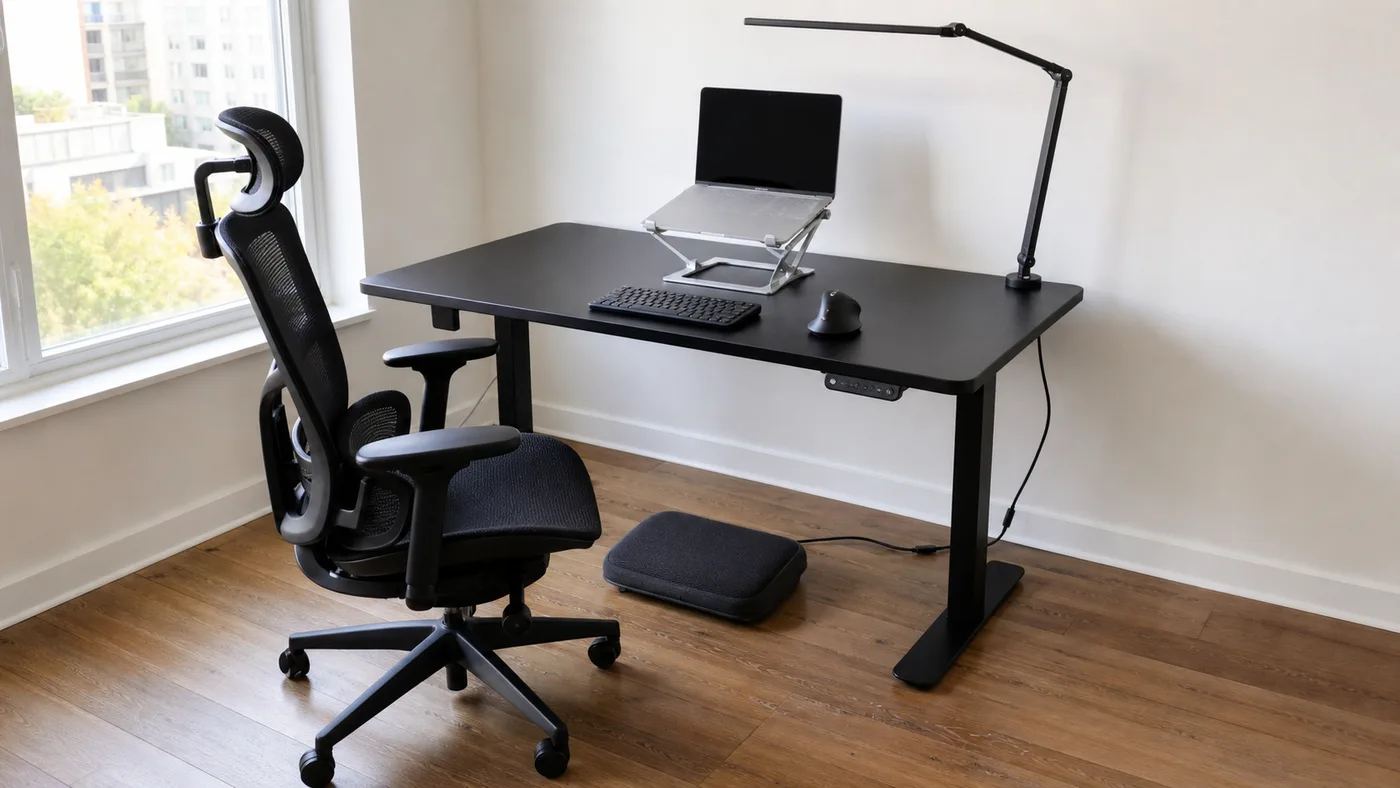
This setup starts with chair support, foot position, and input reach, then adds only the accessories that address the selected problem.
Desk and chair limits are separate from the total accessory planning budget. Check current Amazon prices before buying.
Recommendation method
Flashian starts with four decisions: separate desk and chair limits, a total accessory budget, plus the problem that makes the setup uncomfortable or difficult. Product links are placed after the setup logic, not before it.
A complete rule matrix covers every price and problem combination. Results show solution categories first, then up to three researched products, while avoiding live price claims that can become stale.
Recommendation logic and catalog reviewed .
Selection rules
A product is only recommended when it solves a specific setup constraint: screen height, desk depth, cable routing, lighting, input comfort, or chair-to-desk mismatch.
Monitor arms are not recommended without VESA, weight, and desk clamp caveats. USB-C hubs are framed as compatibility-dependent, not universal.
Product cards use planning bands instead of live prices. Amazon product pages remain the source of current price, seller, stock, and shipping information.
The first recommendation removes the current bottleneck. Optional upgrades are intentionally secondary so the user does not overbuy before testing the core setup.
Direct answers
These answers explain the order of operations behind the finder. They are general workspace guidance, not medical advice or live pricing.
Start with screen height and input reach. Raise the laptop or monitor, then use a separate keyboard and mouse so your hands do not have to follow the raised screen. Check chair support after the display and input positions are workable.
Check chair height, lumbar position, foot contact, and keyboard reach before adding accessories. If your feet do not rest flat at a comfortable typing height, a footrest may solve the mismatch more directly than another desk accessory.
Set separate limits for the desk and chair, then one total for accessories. Furniture stays independently comparable while the accessory total is divided across the categories recommended for the selected problem.
Confirm the monitor's VESA pattern and weight, the arm's supported range, desk-edge clamp clearance, and whether the desktop material can carry the clamp load. Do not assume every monitor or desk is compatible.
No. Flashian uses planning ceilings to filter candidates. Amazon remains the source of current price, seller, stock, shipping, return, and warranty information, all of which can change.
No. Setup images are illustrative concept visualizations based on the selected problem and budget range. The exact linked products may differ, so compare the product details on Amazon before buying.
The finder checks the selected problem and three separate budget ceilings against a complete 216-cell recommendation matrix. It then presents solution categories first and up to three researched candidates from a 50-product catalog.
No. Flashian provides general setup guidance only. Persistent, severe, or worsening pain should be assessed by a qualified healthcare professional rather than treated as a furniture-selection problem.
Original setup guides
These guides make the recommendations reviewable without relying on ads. They focus on setup constraints, comfort, and item order rather than generic product roundups. Browse the full guide library.
Start with screen height, then add a compact keyboard, mouse, light, and cable routing. A small desk fails when every item competes for the same surface area.
Prioritize the stand, keyboard, and mouse before decorative accessories. Those three pieces separate viewing from typing and usually change the setup fastest.
Balance comfort and durability with a stand, task light, cable control, and desk surface. Do not spend the full budget on one premium item while the basics remain broken.
Use a monitor arm or riser so the external display becomes the primary eye-level screen. Check VESA support and desk clamp clearance before choosing an arm.
Route power first, hide excess length second, and keep only daily-use cables on the desk. Cable trays work best after the device layout is stable.
Combine a directional task light with softer room light instead of relying on one bright lamp. Monitor users may save space with a light bar.
Raise the display and separate typing from viewing so posture is not tied to laptop height. Adjustable stands help when chair and desk height are not ideal.
Check chair height, foot support, and keyboard reach before buying a premium chair. A footrest can be the right fix when the feet do not rest flat.
Pick items that store flat, reduce visual clutter, and make the desk reset fast after work. Quiet peripherals matter more when the room has multiple uses.
Buy the item that removes the current bottleneck, then test the setup before adding extras. If the screen height is wrong, fix that before buying decor.
As an Amazon Associate I earn from qualifying purchases. Some product links may be affiliate links. If you buy through them, Flashian may earn a commission at no extra cost to you. Setup images are illustrative and may not show the exact linked products.
Flashian links directly to Amazon product pages with the tracking ID `flashianhome-20`. Amazon product pages are the source of current price, seller, delivery, return, and availability information.